Fitcheck Studio

Fitcheck Studio

iOS

AI-Powered Outfit Analysis

Get instant feedback on your outfits powered by AI. Know if your look works before you leave.

Download on App Store (Soon)
Contact Support

iOS 18.0 or later required

See It In Action

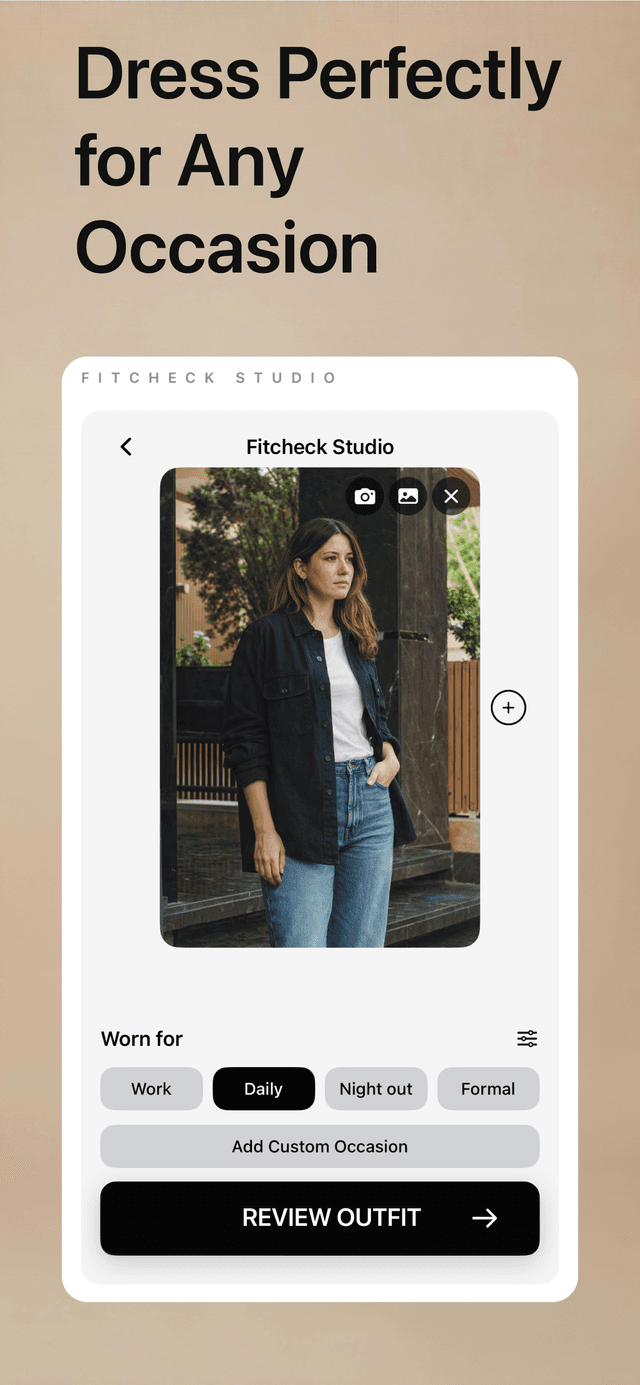
Fitcheck Studio Screenshot 1
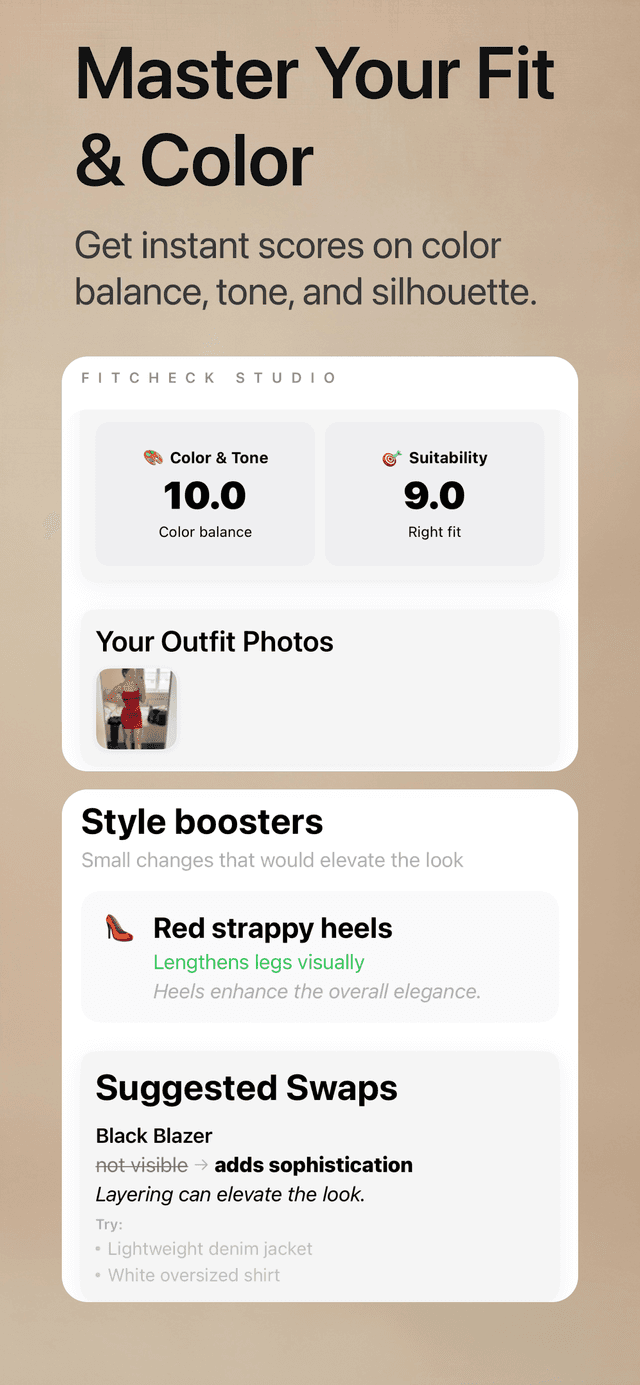
Fitcheck Studio Screenshot 2
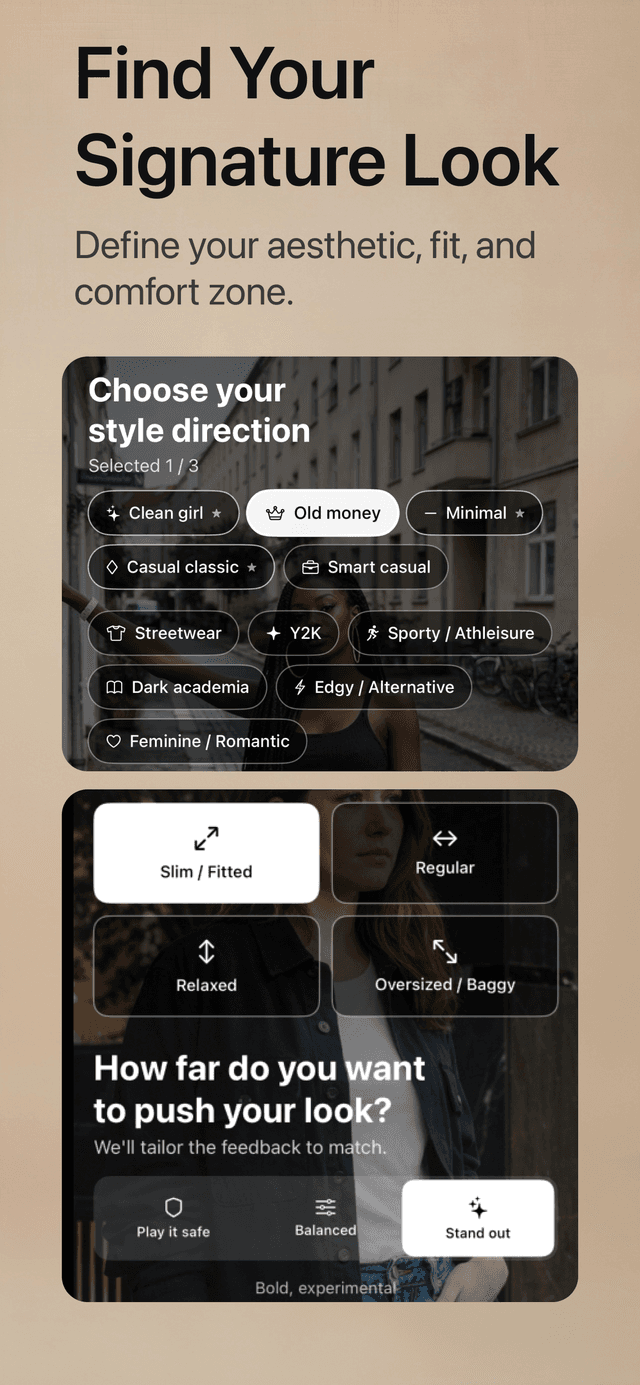
Fitcheck Studio Screenshot 3
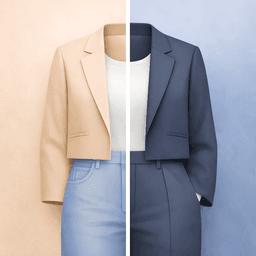
Fitcheck Studio Screenshot 4
Fitcheck Studio Screenshot 5

Features

AI outfit analysis in seconds

Personalized style recommendations

Occasion-based feedback (work, casual, date, etc.)

Color coordination tips

Style history tracking

Daily style tips and inspiration

Push notification reminders

Privacy-first: photos are processed securely

How It Works

1

Capture

Take a photo of your outfit or select from your camera roll

2

Analyze

Our AI evaluates your look based on style, colors, and occasion

3

Improve

Get actionable feedback and styling tips to elevate your look

Subscription Plans

Start with free analyses. Upgrade for more style feedback.

Stylist

  • 3 outfit analyses per day
  • Full AI feedback and tips
  • Occasion-based recommendations
  • Style history
Popular

Stylist+

  • 10 outfit analyses per day
  • Full AI feedback and tips
  • Occasion-based recommendations
  • Style history

Subscriptions are billed monthly through the App Store. You can cancel anytime in your device settings.

Payment will be charged to your Apple ID account at confirmation of purchase. Subscription automatically renews unless cancelled at least 24-hours before the end of the current period.

Frequently Asked Questions

How does the AI analysis work?
Our AI analyzes your outfit photo for color coordination, style coherence, and occasion appropriateness. It considers factors like color theory, current fashion trends, and the context you provide (work, casual, date, etc.) to give you personalized feedback.
What happens to my photos?
Your photos are uploaded securely to our servers for AI analysis. They are stored in your personal history so you can track your style journey. You can delete your photos and history at any time from the app. We never use your photos to train AI models or share them with third parties.
How do I manage my subscription?
Subscriptions are managed through your Apple ID. Go to Settings → [Your Name] → Subscriptions on your iPhone to view, modify, or cancel your subscription. Changes take effect at the end of your current billing period.
Can I get a refund?
Refunds are handled by Apple through the App Store. Visit reportaproblem.apple.com to request a refund for any recent purchase. For other issues, contact us at support@visionlabtech.com.
What iOS version is required?
Fitcheck Studio requires iOS 18.0 or later. The app is optimized for iPhone and works best on devices with A12 chip or newer.

Need Help?

Our support team is here to assist you.